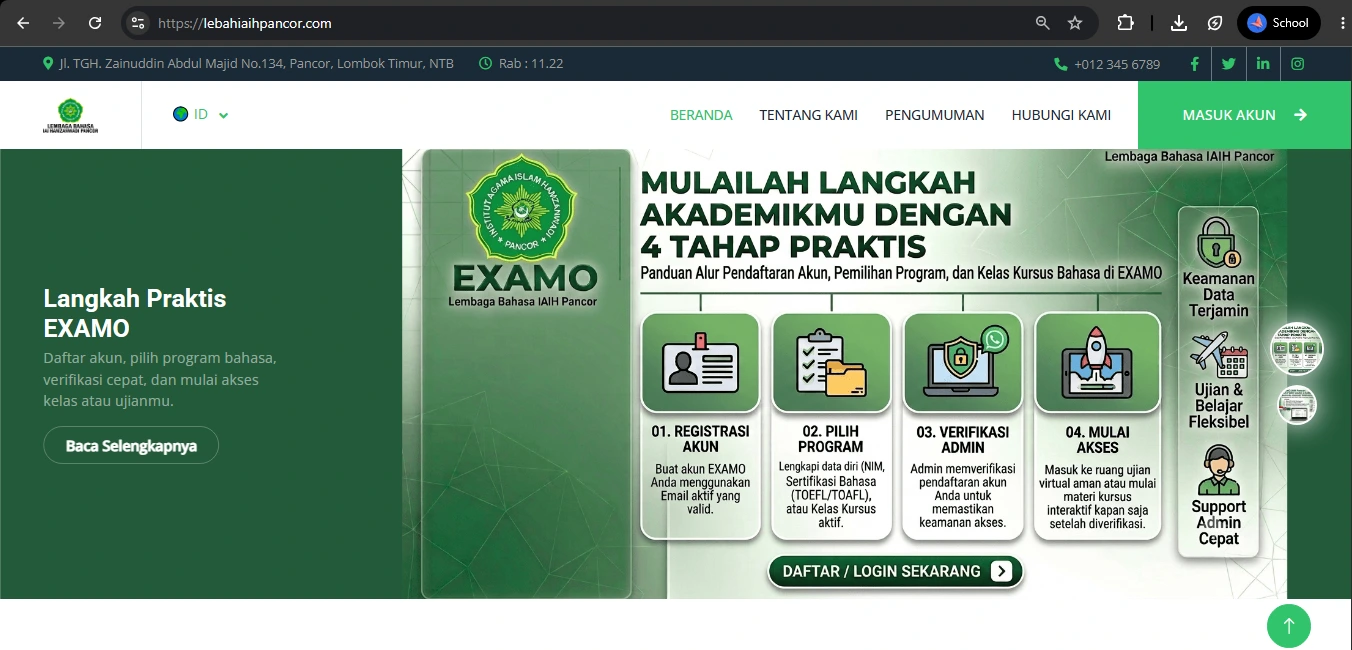
1. Visit the Website
Visit the official website of the Language Center of IAIH Pancor:
lebahiaihpancor.com.
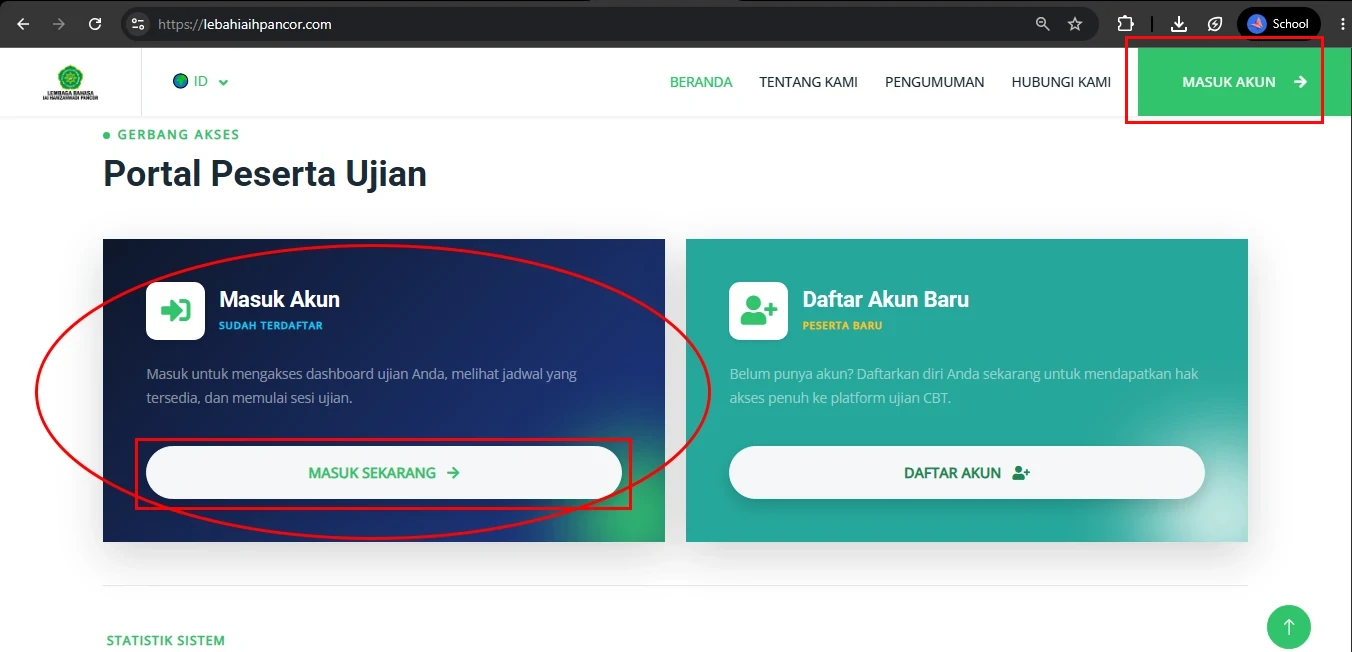
2. Find the "Login" button
Important: This login guide is intended only for users who have already completed the registration process and have an active account.
If you do not have an account yet, please register first at:
lebahiaihpancor.com/register.
If you already have an account, please scroll down and select the Login section as shown in the image.
For quicker access, you may directly use the following link:
lebahiaihpancor.com/login.
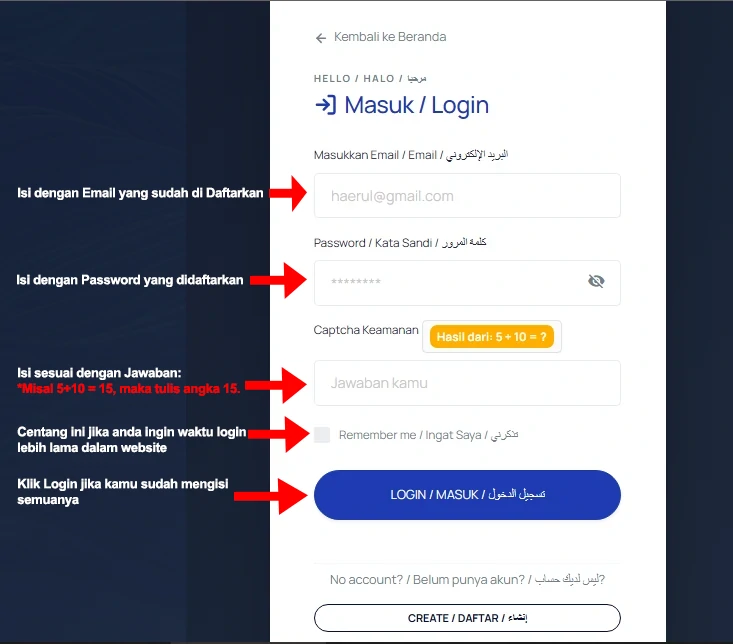
3. Fill in the Login Form
After the login page opens (blue interface), enter the following information:
- Email address used during registration
- Password you have registered
- Security captcha
In the captcha field, enter the answer to the displayed addition question. For example, if it shows 2 + 3 = ?, then enter 5.
To keep your session active for a longer period, please check the Remember Me option.
